
Get started
Install
LearnByDiff works in VS Code, Cursor, and other VS Code-based IDEs.
Search for LearnByDiff in the Extensions view, or open the matching marketplace:
- Visual Studio Marketplace (VS Code)
- Open VSX (Cursor and other Open VSX-based IDEs)
You can also install a .vsix manually: download it from the release page and drop it into the Extensions view.
Open a course
Click Open Course on the LEARN BY DIFF view title bar in Explorer (or run LearnByDiff: Open Course from the Command Palette).
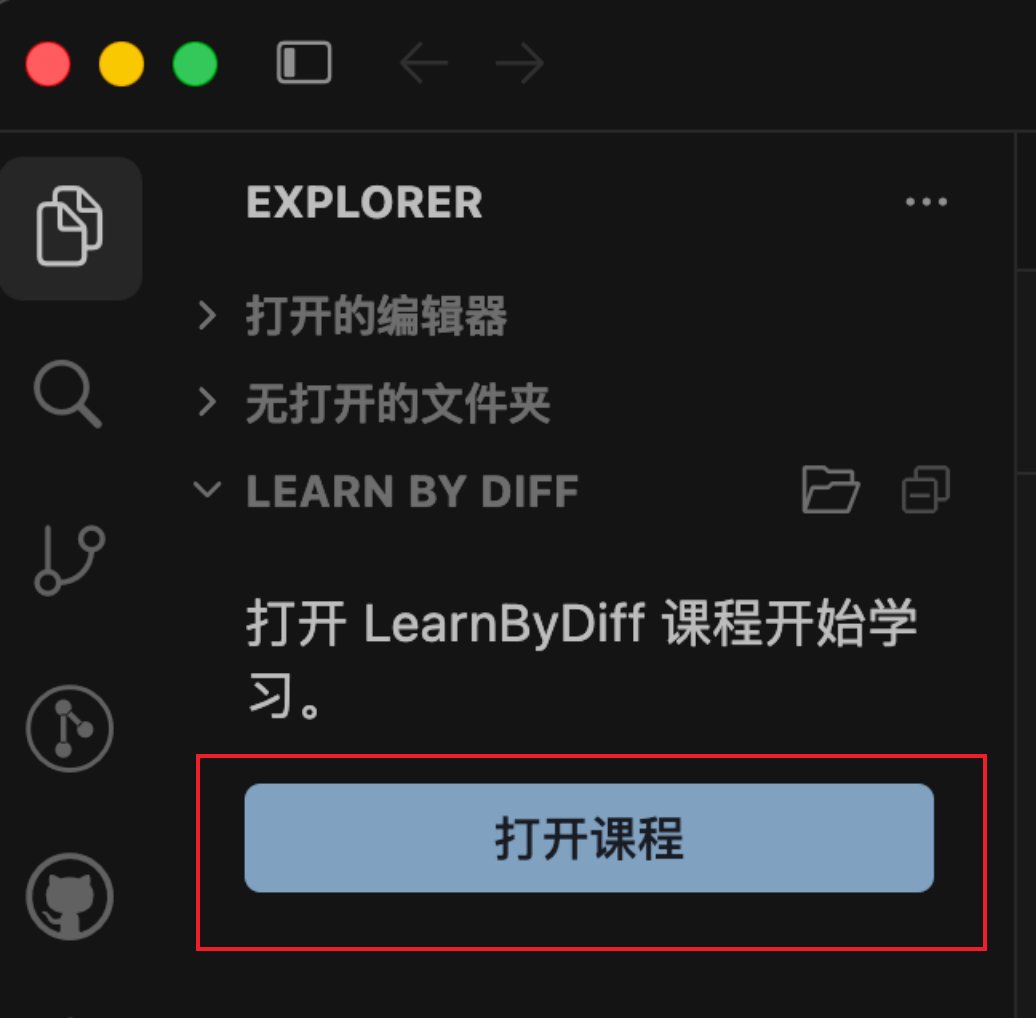
Select an official course, or paste this demo course config URL and confirm:
https://github.com/RJiazhen/learn-by-diff/blob/main/packages/courses-config/demo-course/.course-config/course.jsoncIn the folder picker, choose a directory for the learning workspace. Course files download into that folder.
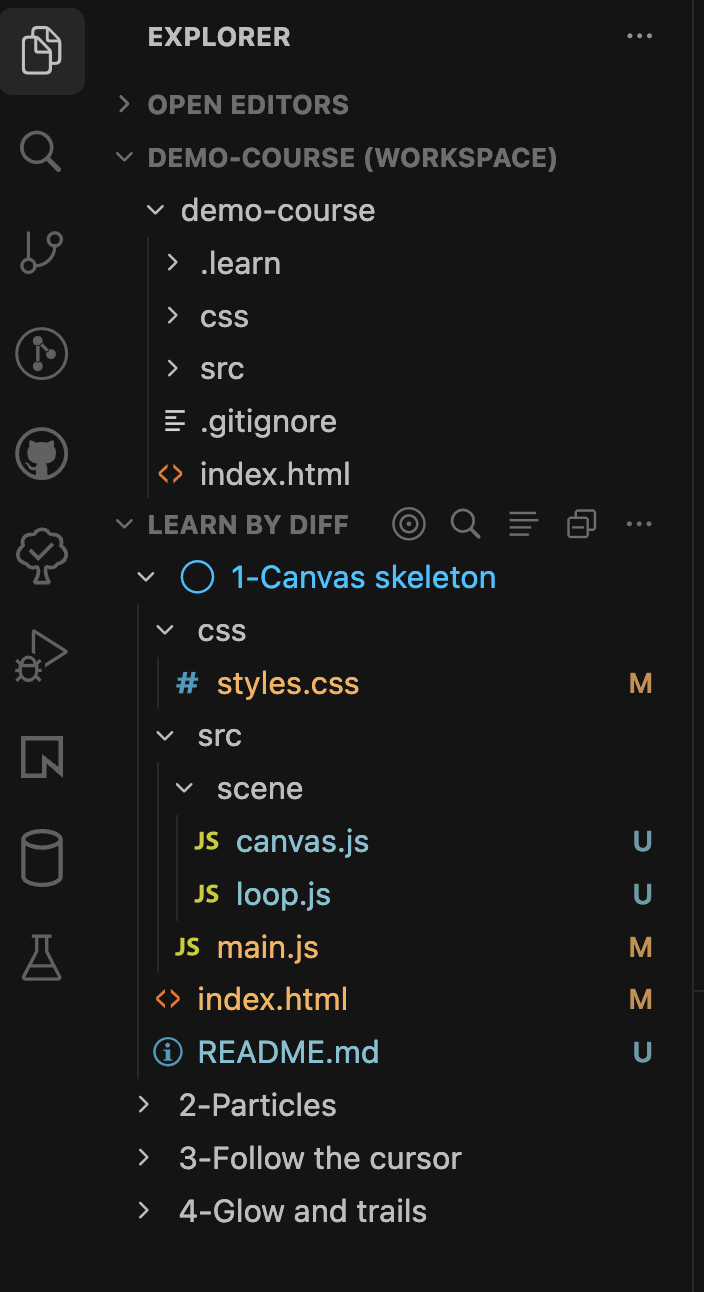
Layout of the learning workspace after download
You can also open the demo in one click:
Learn in your own way
The first time you open a course, chapter 1’s start snapshot is exported locally.
For the demo course, preview index.html with the Live Preview extension.
Click Completed on a chapter to replace the local tree with that chapter’s finish snapshot and preview the result.
You can also open the chapter docs to read the goals and walkthrough.
Or click a file under the chapter to see the code that reaches the goal.
For opening a single chapter folder to compare, switching back to Not Started, and more, see Features.